The computer is connected to a DAC or amplifier and the speakers hum before any music plays. Do not replace equipment immediately: first identify the connection introducing noise. Possible causes include a ground loop, computer power or another connected device.
What a ground loop means
Two devices can have several electrical paths between their common conductors, for example through the audio cable and other connections. Unwanted current can circulate around the resulting loop. If it affects a conductor involved in carrying audio, interference becomes audible. Unbalanced connections are particularly susceptible.
Hum is a symptom, not a diagnosis. The sound alone cannot establish that the DAC, computer or building wiring is faulty.
Example: noisy on the charger, quiet on battery
Imagine laptop → USB DAC → amplifier. Battery operation is quiet; connecting the charger introduces noise. This directs the investigation towards power and associated electrical paths, but does not itself prove the charger is faulty.
Battery operation is a brief diagnostic test, not a recommendation to listen permanently without mains power.
Finding the problematic link
Before moving signal cables, lower the volume and turn off the amplifier or powered speakers. Change only one thing at a time.
- Record the conditions. Does noise appear after USB, the charger or a second device is connected? Does moving the mouse change it? Comparisons are more useful than “it seems better”.
- Simplify the system. Keep one source and one path to the speakers. Remove optional signal connections, then reconnect devices individually.
- Test the laptop on battery. Compare at the same volume with and without its approved charger. Do not disconnect protective earth.
- Listen through headphones on the interface. If they are quiet while speakers hum, begin with the interface → speaker link. This is a clue, not conclusive proof.
- Check cable routing. Separate audio cables from mains wiring and power supplies; avoid unnecessary length. A shared, sound power point may help, provided its permitted load is not exceeded.
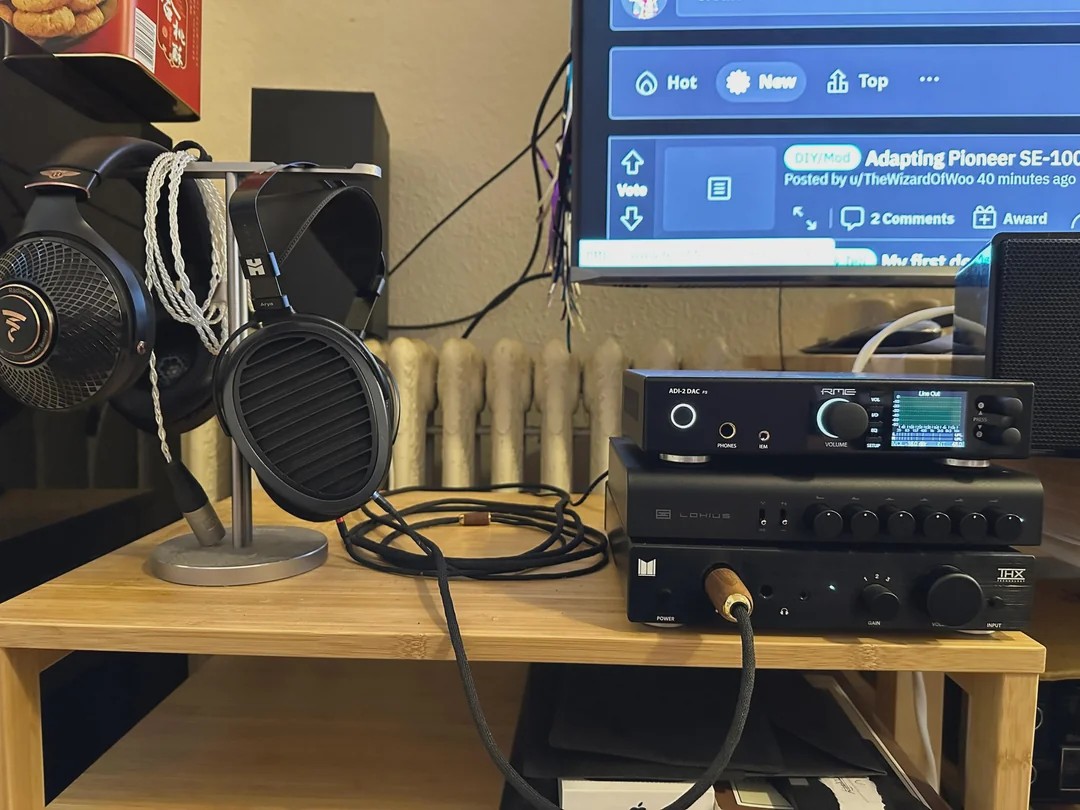
A balanced connection needs a complete path
A balanced line rejects common interference more effectively. It requires suitable outputs, inputs and XLR or TRS cabling. Connector shape alone does not guarantee its function: consult both devices’ manuals.
Example: the speakers offer balanced XLR, but the DAC has only RCA. A correctly wired RCA–XLR cable can connect them physically, but does not turn an unbalanced output into a balanced one. An adapter is not a universal hum cure.
When audio isolation helps
If the problem is localised to an analogue connection and a balanced path is unavailable, consider transformer isolation. Match the device to the input and output functions and signal level. A DI box and line isolator are not interchangeable simply because both have XLR.
A useful diagnostic result is: “Quiet without device A; connecting it restores the hum; replacing cable B does not help”. This makes seeking assistance easier than buying accessories at random.
What you should never do
Do not remove protective plug contacts, tape over earth connections or modify mains wiring. An audio device’s Ground Lift function is not the same as removing protective mains earth. Stop using equipment and seek professional help if cables are damaged, there is an overheating smell or the case gives an electric tingling sensation.